Category guide
A fast daily scan for stocked TF2 items
This page gives returning users a short route into currently stocked catalog items. It is useful for checking what changed before opening the full catalog or trade page.
Popular stocked items
Check items with visible stock first, compare current prices, and jump into the trade flow when you are ready.
TF2 catalog preview
Preview items sorted by available stock so repeat visitors can quickly scan what is easiest to inspect or trade.

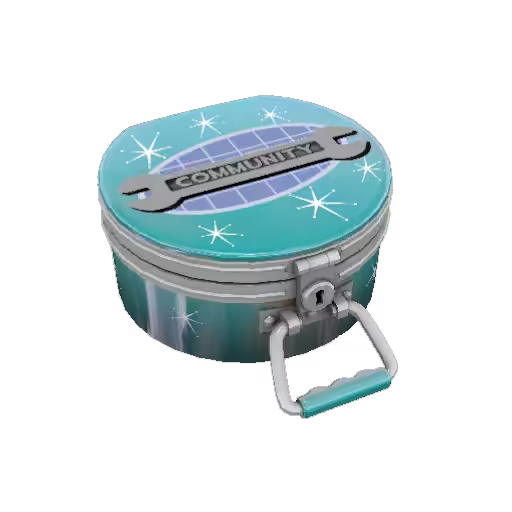


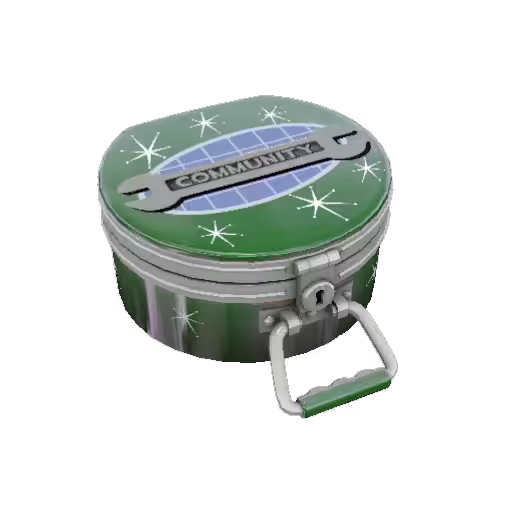
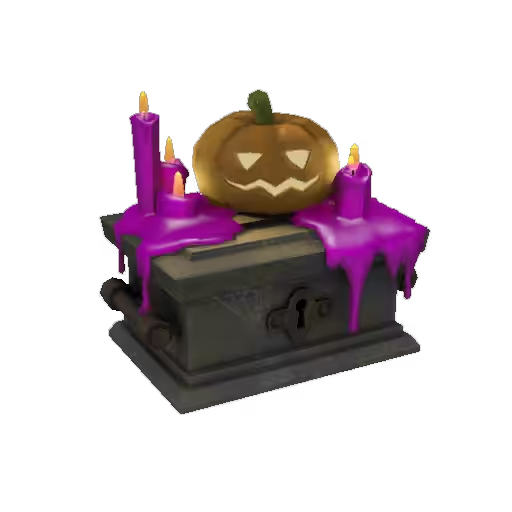



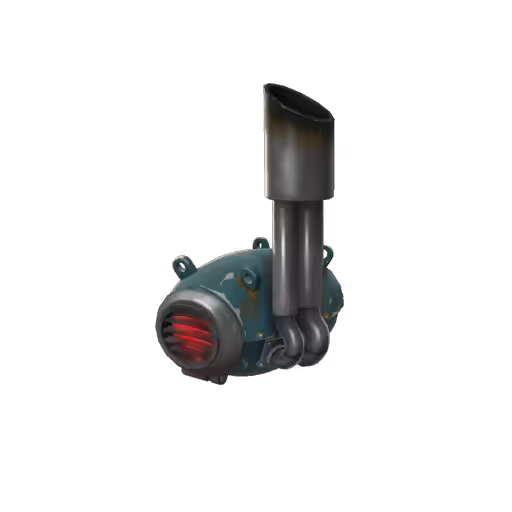

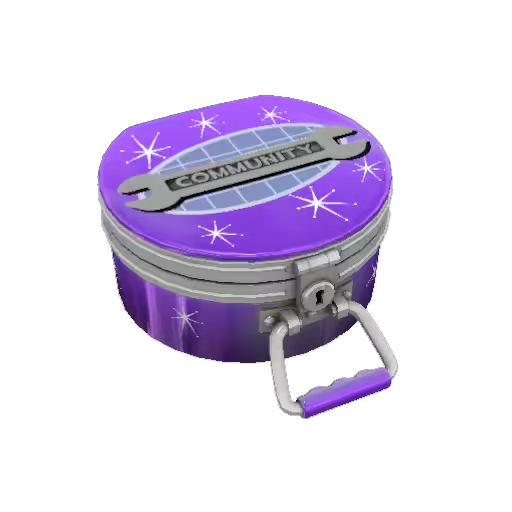
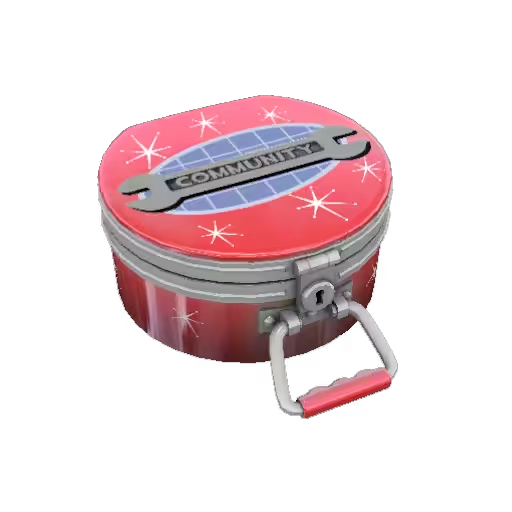

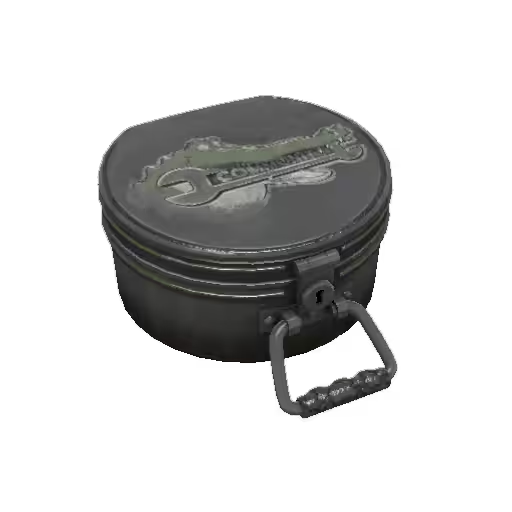


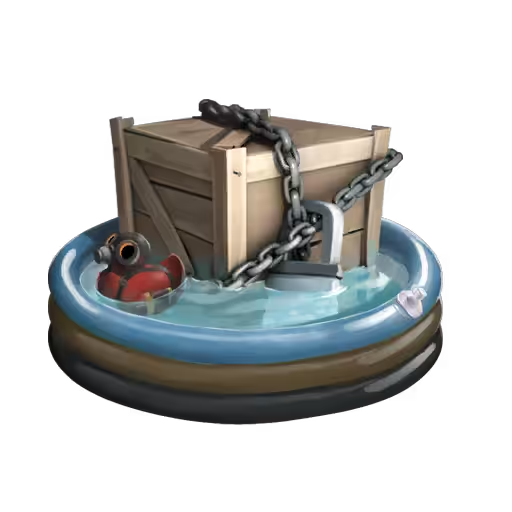

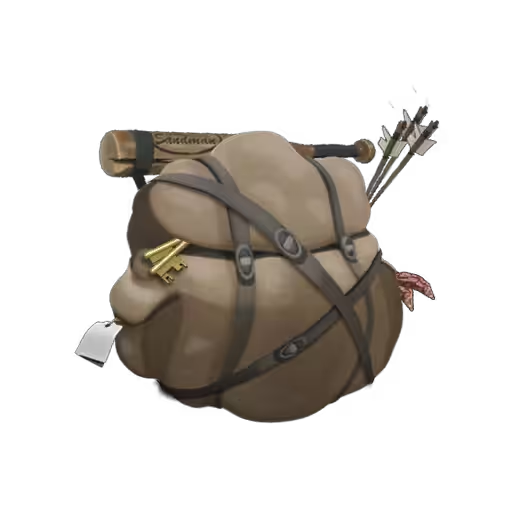

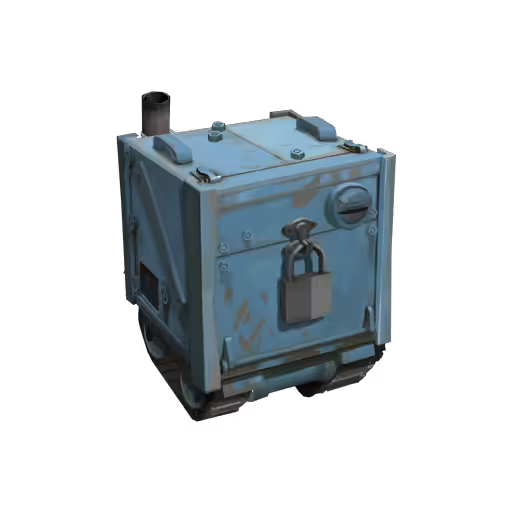


Category guide
This page gives returning users a short route into currently stocked catalog items. It is useful for checking what changed before opening the full catalog or trade page.
How it works
Scan the stocked preview or open the full catalog for filters and search.
Compare visible buy/sell rows and stock before opening an item or trade.
For trade-enabled items, Crate.tf prepares the offer and you review the final exchange on Steam before accepting.
Trade with confidence
Fast answers
The page highlights catalog items sorted by available stock so returning users can quickly scan active listings.
No. It is a quick entry page. Use the full catalog when you need filters, search, events, or crate series controls.
Yes. Open an item or use the trade page to review current prices and the final Steam offer.