Category guide
Bulk crate selling starts with supported, priced items
Crate.tf can handle multi-item trades, but each crate still needs current pricing and support in the catalog before it can be included in a Steam offer.
Sell TF2 crates
Sell supported TF2 supply crates through Crate.tf by checking current prices, choosing crates, and reviewing the final Steam offer.
TF2 catalog preview
Preview supported supply crate listings with visible prices and available stock signals before entering the trade flow.
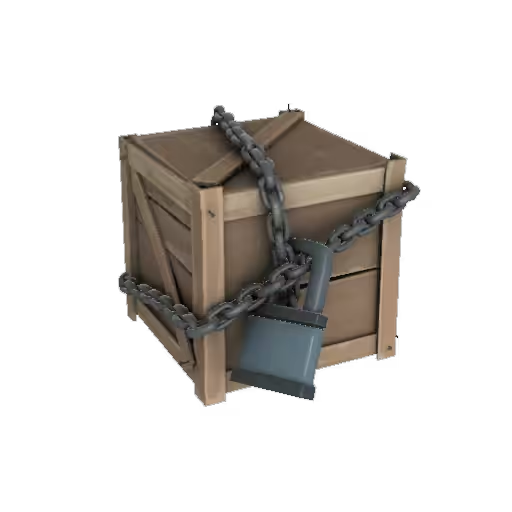
Category guide
Crate.tf can handle multi-item trades, but each crate still needs current pricing and support in the catalog before it can be included in a Steam offer.
How it works
Choose the crates you want to sell from your inventory on the trade page.
Review the quoted value and item list before the Steam offer is prepared.
For trade-enabled items, Crate.tf prepares the offer and you review the final exchange on Steam before accepting.
Trade with confidence
Fast answers
Yes, when those crates are supported by the catalog and accepted by current pricing rules.
Yes. The trade page supports selecting multiple crate items for one transaction.
Yes. Crate.tf shows the trade summary before you review the final offer in Steam.
A crate may be unsupported, temporarily unpriced, trade-locked, or blocked by current stock and pricing rules.
Yes. Crate.tf needs to read your inventory to validate sellable crates and prepare the trade.